
Coloring Book Maker
Make a Whole Coloring Book, Not Just One Page
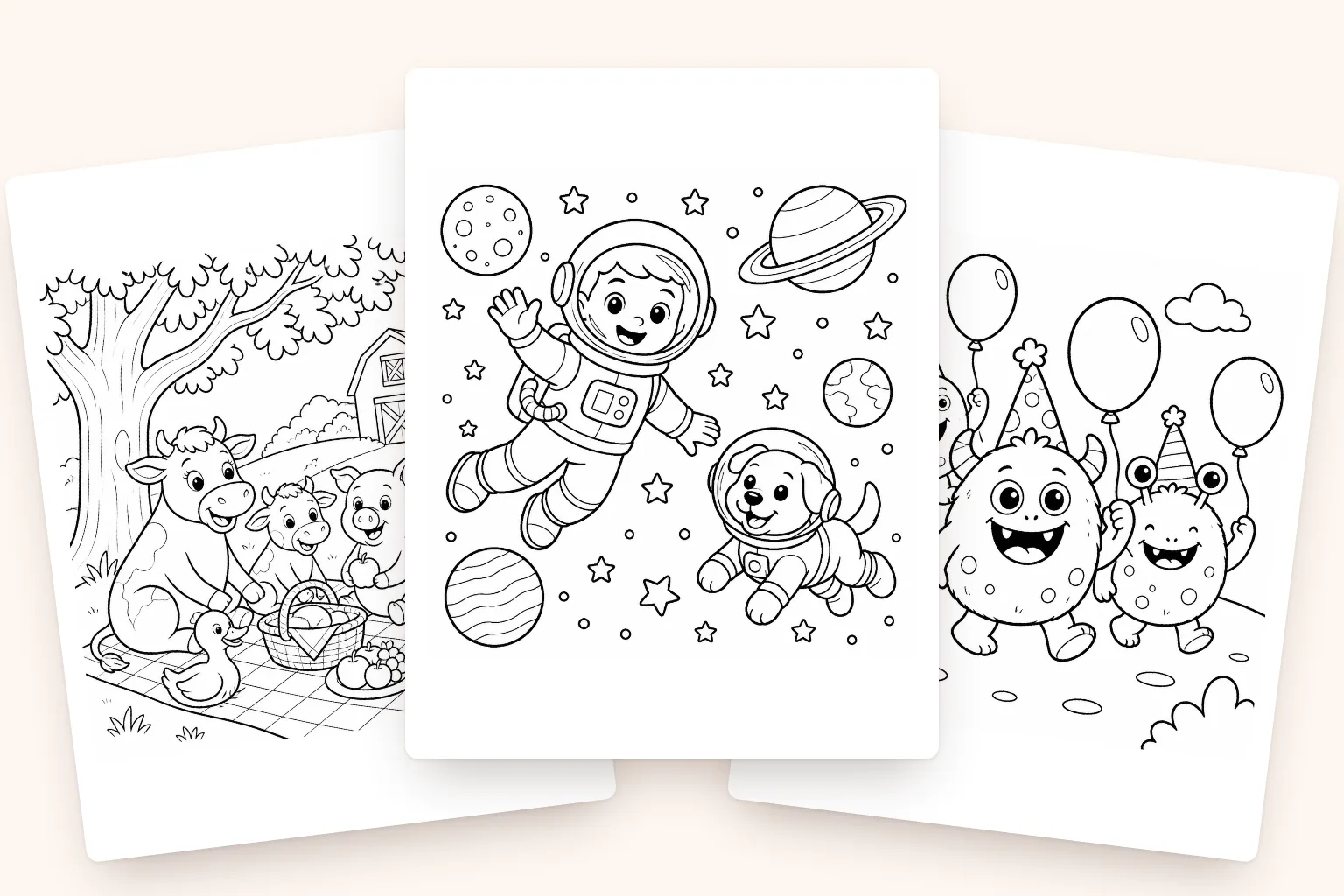
Describe a theme once and get a complete set of clean, printable coloring pages, sized correctly and exported as a single print-ready PDF.
10,000+ pages created · Plans from $9.99
Any theme
Type it, get pages
Full books
Not just single pages
KDP-ready
Correct trim & bleed
Instant PDF
Export & print right away
How the coloring book maker works
Describe a theme, set your page count and age group, and InkChamps generates a full set of clean, black-and-white line art pages to match, sized correctly for home printing or KDP paperback publishing. Add a photo of anyone who should appear in the book and they're drawn into the pages. Generate anywhere from 1 to 100+ pages, regenerate any single page you're not happy with, and download the finished PDF whenever you're ready. Whether you're making a book to sell on Amazon KDP, a bundle for Etsy, or a gift for a child or classroom, the whole process takes minutes instead of an evening in Canva.
Full coloring books, generated from one idea
What's your next coloring book about?
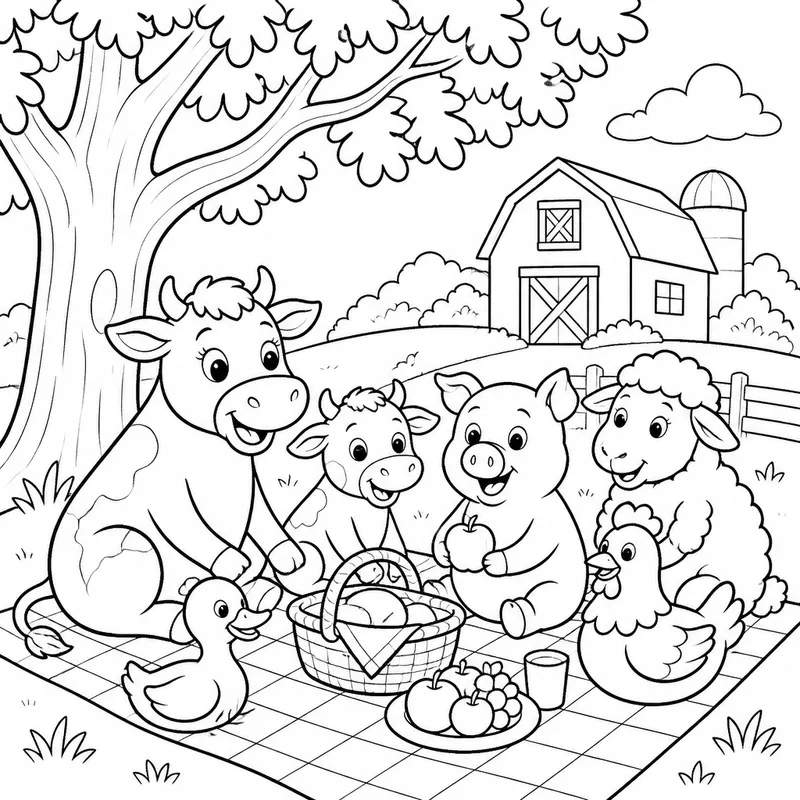
“Farm animals having a picnic”
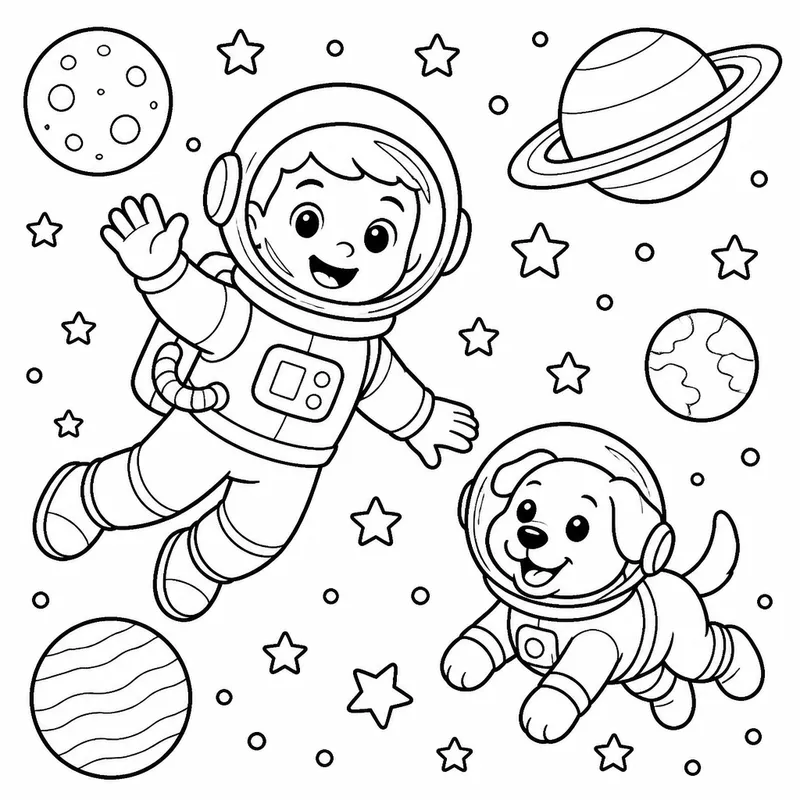
“An astronaut and their space dog”
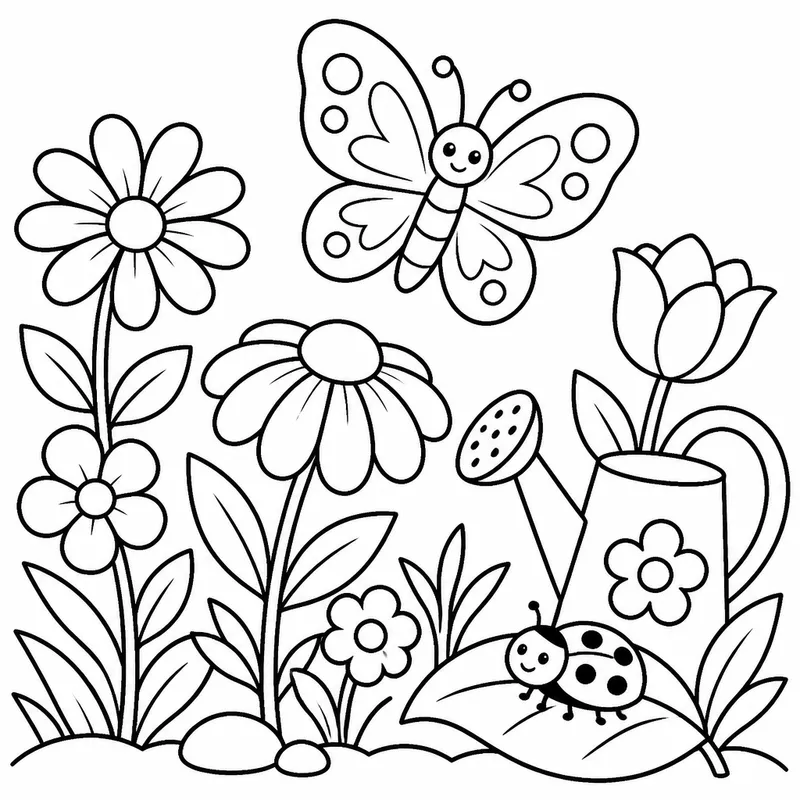
“A butterfly garden in bloom”
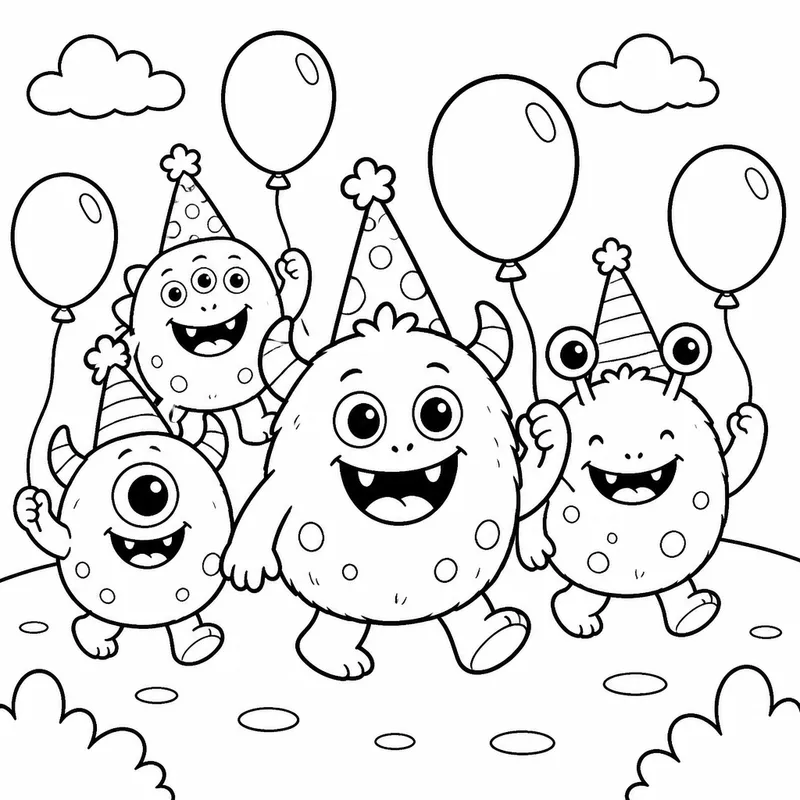
“A parade of friendly monsters”
One theme in, a whole coloring book out. Every page on-topic.
Building it yourself vs. the InkChamps way
| Building it yourself | InkChamps |
|---|---|
| Design each page one at a time in Canva | Generate every page from one theme at once |
| Guess at trim size and margins | Sized correctly for KDP or home printing automatically |
| Stitch finished pages into a PDF by hand | One-click print-ready PDF export |
| Start over if a page doesn't fit the theme | Regenerate any single page instantly |
How to make a coloring book in three steps
Describe your idea
Give it a theme, age group, and description. That's all it needs.
Get pages, edit & regenerate
AI generates every page. Regenerate or tweak any image you're not happy with.
Export as PDF
Download a print-ready PDF and upload, list, or print it right away.
Coloring book maker, page generator or print service?
Search for a coloring book maker and you'll find three kinds of tool. They do different jobs, and making a printed book often takes two of them.
- 1
Coloring page generators
Canva, Adobe Firefly and Microsoft Designer turn a prompt into a coloring page. They're quick for a single sheet. For a whole book you prompt every page separately, keep the style matching yourself, then lay the pages out and export the PDF.
- 2
Print services
Lulu and Mixam print and bind a coloring book from a PDF you upload. They don't draw the pages, so you arrive with the finished interior.
- 3
Coloring book makers
A coloring book maker produces the book itself: every page on one theme and in one style, sized to a trim size and merged into one PDF. InkChamps is this kind of tool.
The usual path: make the book here, then print the PDF at home, upload it to Amazon KDP, or send it to a print service.
Frequently asked questions
How do you make your own coloring book?
Pick a theme and an age group, decide how many pages you want, and describe the book in a sentence or two. InkChamps draws every page to match. Regenerate any page you don't like, then download one print-ready PDF to print at home or upload to Amazon KDP as a paperback.
What app can I use to create a coloring book?
InkChamps runs in your web browser, so there's nothing to install, and it makes the whole book: every page plus the PDF. A design tool like Canva works if you'd rather draw or arrange each page yourself, and print services like Lulu or Mixam print a PDF you already have.
How much does it cost to make your own coloring book?
A standard page costs 1 credit and a high-quality page costs 2.5. The smallest credit pack is 50 credits for $4.99, enough for a 50-page book at standard quality. Publishing on Amazon KDP has no upfront fee: Amazon takes the printing cost out of each sale.
Can I make a coloring book from my own photos?
Yes. Add a photo of anyone who should appear in the book, such as your child or a grandparent, and InkChamps draws them into the pages as black-and-white line art. Adding a photo doesn't change the price per page.
Can ChatGPT make a coloring book?
ChatGPT can draw coloring pages one prompt at a time. Turning them into a book is then up to you: keeping the style the same from page to page, sizing each page to your trim size, and merging everything into one PDF. A coloring book maker does those steps for you.
What paper should I use for a coloring book?
For a KDP paperback, choose white paper rather than cream so colors look true. Markers can bleed through thin pages, so many coloring books print each design on one side of the sheet only. At home, ordinary printer paper is fine for crayons and colored pencils; use heavier paper or light cardstock for markers.
Can I sell the coloring books I make?
Yes. You can sell what you make as KDP paperbacks, Etsy downloads or printed bundles. Avoid copyrighted characters, trademarked brands and celebrity likenesses in your prompts.
How many pages can one coloring book have?
As few as 1 or as many as 100+. Set your exact page count before generating and every page follows your theme.
Can I regenerate a page I don't like?
Yes. Regenerate any single page without redoing the rest of the book, then re-export the PDF.
Is the PDF ready to upload to Amazon KDP?
Yes. Choose your trim size and the interior PDF is generated with the correct bleed and margins for KDP paperback printing.
From one idea to a printed coloring book
A coloring book is more than one picture. It's a whole set of pages that need to share a theme, a difficulty level, and a consistent style. Building that by hand usually means picking a theme, sourcing or drawing each page separately, and hoping they all still look like they belong together by the last page.
InkChamps generates the entire set from a single description. Every page is created to match your theme and age group, so a book about jungle animals stays jungle animals from the first page to the last, without you having to plan each one individually.
Once you're happy with the set, download it as one PDF. Print it at home, upload it to Amazon KDP as a paperback interior with a cover from the Cover tool, or send it to a print service such as Lulu or Mixam after checking that their trim and bleed settings match the size you picked.
Make your next coloring book tonight.
Describe a theme, get a complete set of pages back, and download a print-ready PDF whenever you're ready.
Popular themes
Browse coloring book themes
Explore ready-made themes with a quick look at clean black-and-white sample pages, prompts and layouts.
- Jungle Book Colouring PagesCreate jungle coloring books with AI in minutes.
- Stress Reliever Coloring PagesCreate therapeutic stress reliever coloring books with AI.
- Universe Colouring PagesCreate space coloring books with AI.
- Animals Coloring PagesCreate animal coloring books with AI.
- Good Samaritan Coloring PagesCreate a Christian coloring book about the Good Samaritan with gentle line art that teaches compassion, mercy, and loving your neighbor.
- Food Coloring PagesCreate cute food coloring books with AI.
- Mandala Art Coloring PagesCreate mandala coloring books with AI.
- Anime Coloring PagesCreate anime coloring books with AI.
- Cozy Room Coloring PagesCreate cozy room coloring books with AI.
- Sea Creatures Coloring PagesCreate sea creatures coloring books with AI.
- Insects Coloring PagesCreate insects coloring books with AI.
- Cute Coloring Pages For KidsCreate cute coloring books for kids with AI.
- Adult Coloring PagesCreate adult coloring books with AI.
- Christmas Coloring PagesCreate Christmas coloring books with AI.
- Halloween Coloring PagesCreate Halloween coloring books with AI.
- Greek Mythology Coloring PagesCreate Greek mythology coloring books with AI.
- Fantasy World Coloring PagesCreate epic fantasy world coloring books with AI.
- World War 2 Coloring PagesCreate World War 2 coloring books with AI.