
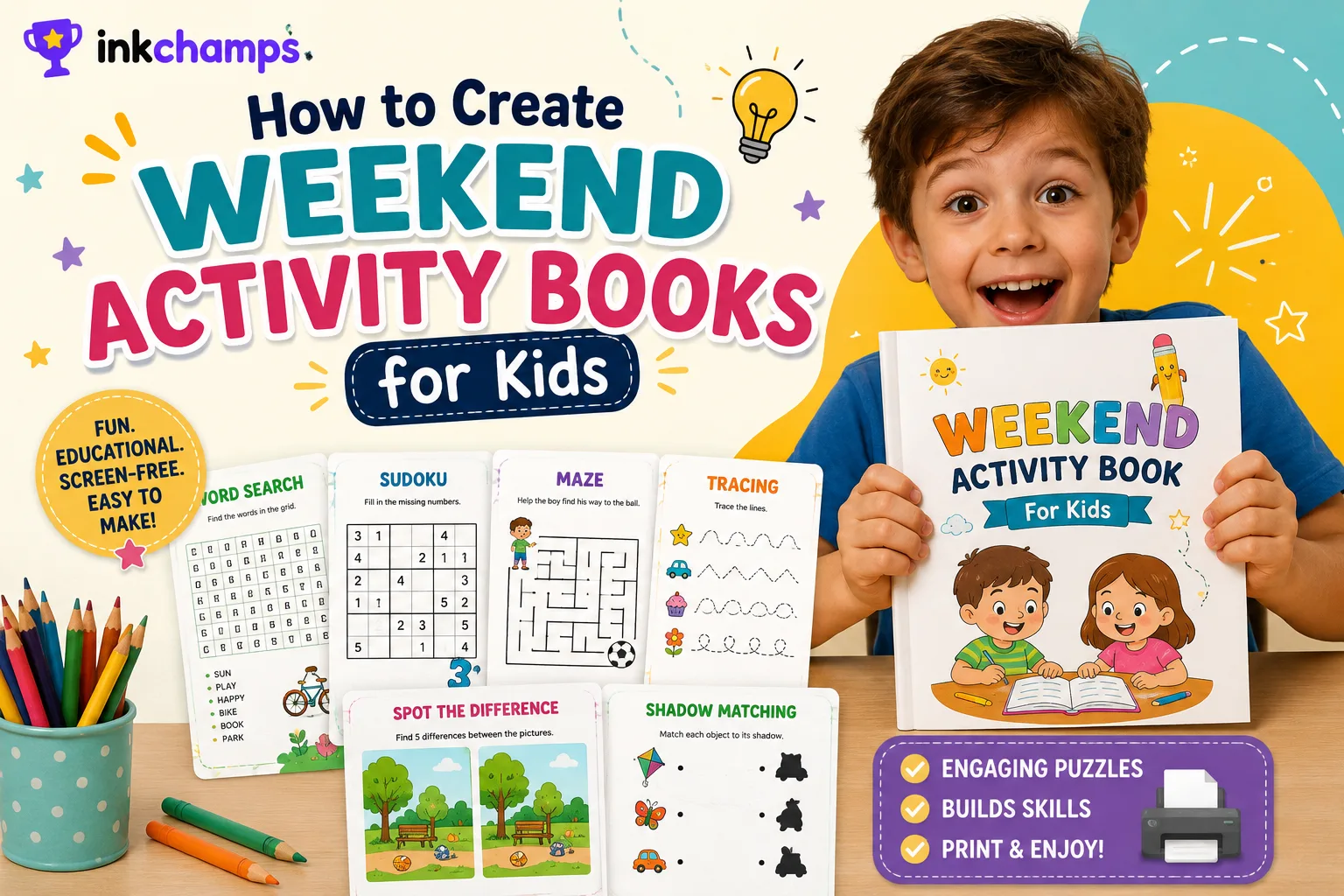
Every parent knows the mid-Saturday slump. Breakfast's done, the cartoons are over, and there's still a whole weekend of "I'm bored" ahead. A printed activity book fills that stretch without handing over another screen, and once you've built one, putting together a new one for next weekend takes a lot less time.
Mine happened after my daughter fell into a shark documentary rabbit hole and wouldn't talk about anything else for two days. Here's exactly how I put a book together around that, screenshots included.
What actually goes into a good activity book
A single word search gets boring after two pages. What keeps a kid at the table is variety — word search for vocabulary, maze for fine motor control, sudoku for number logic, tracing for the youngest kids, spot the difference for visual attention. A good weekend book usually mixes a couple of these so there's always something new on the next page, closer to the puzzle magazines at a checkout counter than a worksheet.
You don't need all of them for your first book, though. Start with one puzzle type your kid actually asked for, and build out from there. The AI activity book maker page has a checklist of what else belongs in a good one, from answer keys to a name page.
Step 1: Pick your theme
I used InkChamps' Activity Book creator for this one. You pick a puzzle type, then describe a theme instead of writing out every puzzle by hand.
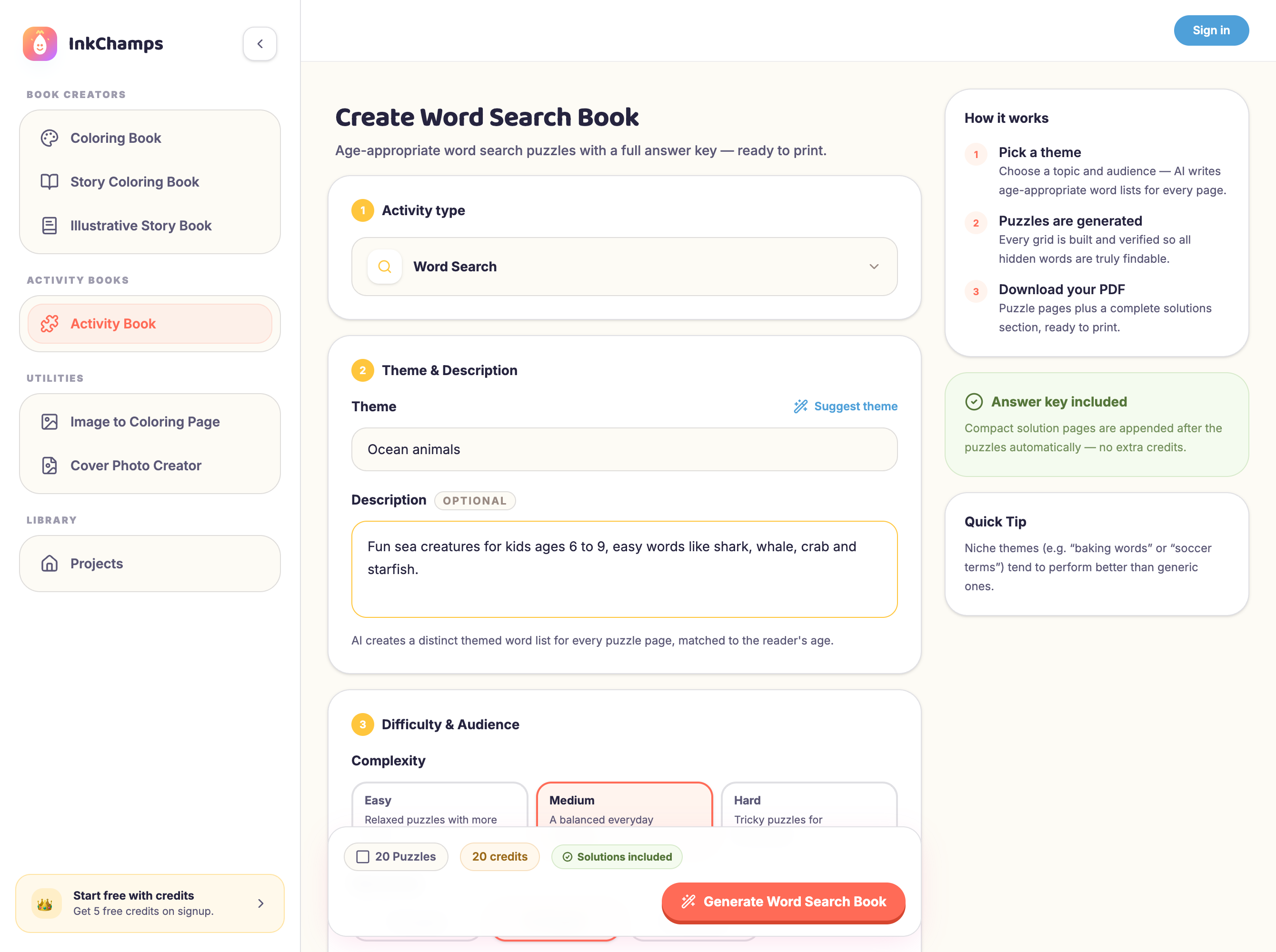
For this book I went with ocean animals, for obvious reasons. I typed the theme into the Theme field and added a short note in the Description box: kids ages 6 to 9, easy words like shark, whale, crab, and starfish.
That description box matters more than it looks. The more specific you are about the age group and the kind of words or images you want, the closer the first draft lands to something you can print without edits.
Step 2: Choose your puzzle type
Word search, sudoku, maze, tracing, spot the difference, and shadow matching are all built into the same tool — clicking the activity type dropdown shows the full list.
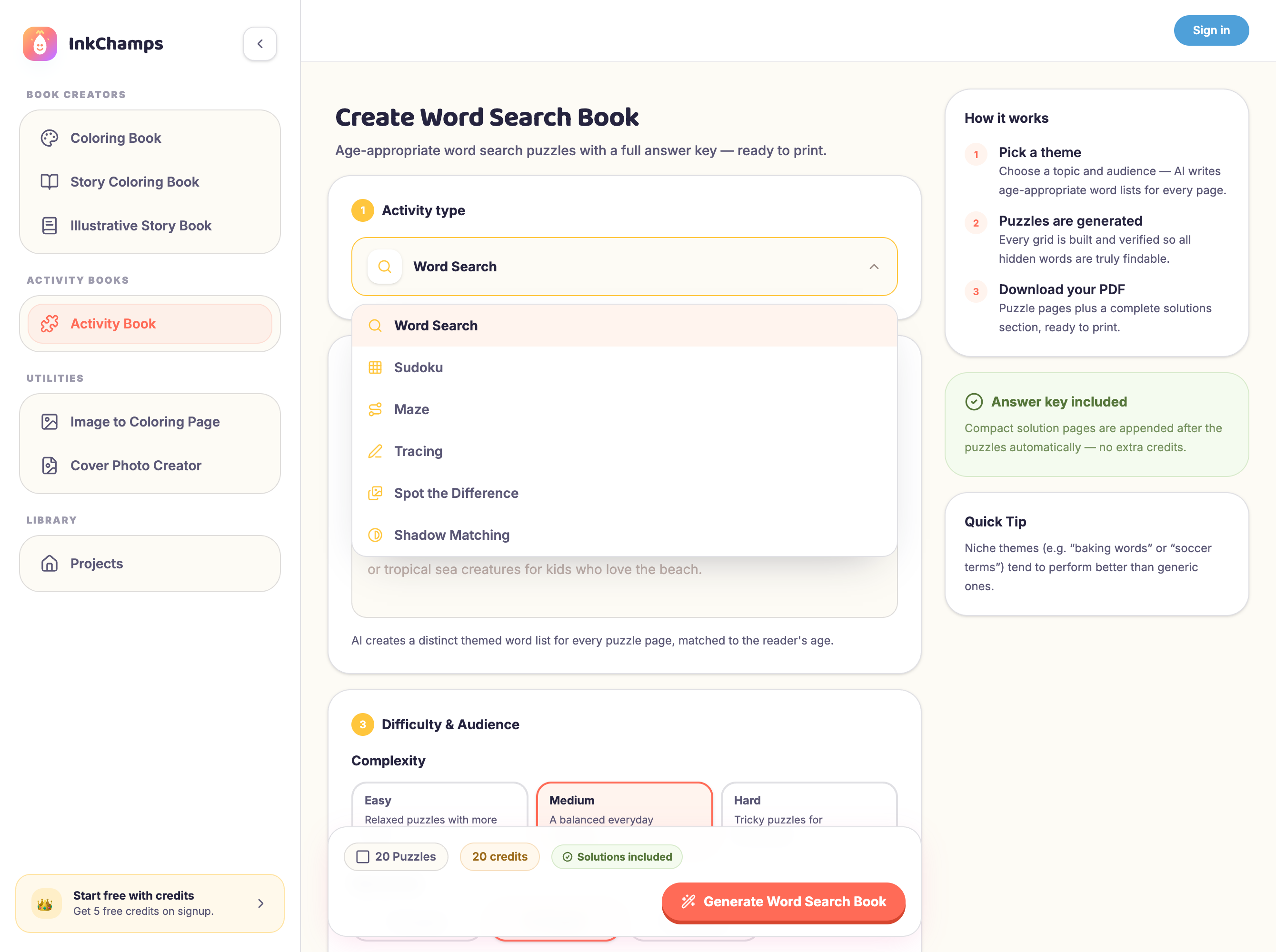
I started with word search since that's what my daughter asked for by name. The other five work the same way: pick a type, describe the theme, set a difficulty. Once you've got the hang of it with one, generating a maze or tracing book with the same theme takes about the same couple of minutes — worth coming back for once you're past your first book.
Step 3: Set the difficulty and page count
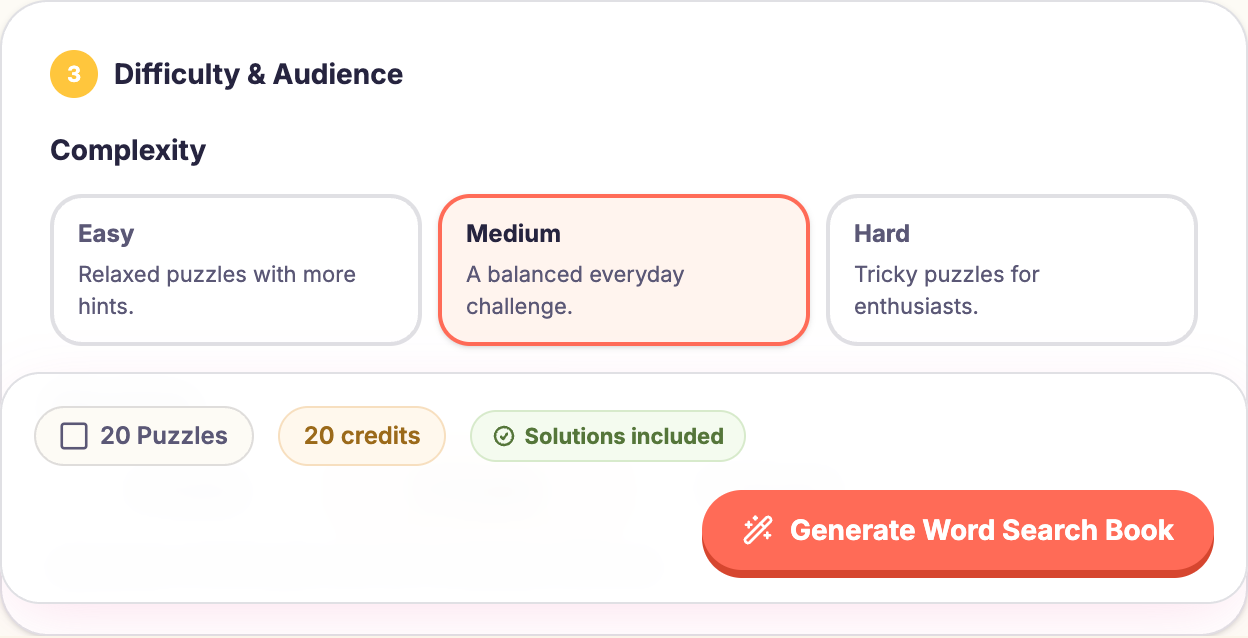
This is the step that decides whether your kid finishes the page happy or gives up halfway through. Word search has an Easy, Medium, and Hard setting, plus an age group selector underneath it.
A few things I learned generating a handful of these:
- Match difficulty to attention span, not just age. A 7-year-old who loves puzzles can handle Medium. A 7-year-old who's only doing this because it's raining outside should start on Easy.
- Shorter books get finished. Twenty puzzles sounds great in theory, but a book that takes three sittings loses momentum. Ten to twelve pages is a better weekend-sized target.
- The answer key is automatic. Every book generates a solutions section at the back, so you're not stuck solving your kid's word search by hand to check it.
Step 4: Generate, review, and print
Once the theme, difficulty, and page count are set, generating the book takes under a minute. The output is a print-ready PDF, sized so nothing gets cut off at the edges when you print it at home.
A couple of printing notes worth knowing:
- Print single-sided if the puzzles will be done in marker or crayon, so nothing bleeds through to the answer on the back.
- Standard 8.5x11 paper works fine. You don't need anything fancier than what's already in your printer tray.
- A cheap comb binder or a few staples in the corner turns loose pages into something a kid will treat like a real workbook.
It doesn't cost anything to try this yourself — InkChamps has a free tier with no card required, so you can generate a book before deciding if it's worth paying for more.
Why not just ask ChatGPT for a puzzle instead?
You can, for one page. Ask a general AI image tool for a maze or a word search grid and you'll often get something usable. What it won't do reliably is keep the difficulty consistent across ten pages, place word search letters so they don't overlap or spell garbage, generate an answer key that actually matches the puzzle, or lay all of it out at print-ready size with margins that survive a home printer.
That's the actual gap a dedicated tool closes. It's built to hand you the whole 10 to 15 page book in one pass, formatted and ready to print, not one image you then have to assemble yourself.
Making it a repeatable weekend habit
The part that makes this worth doing more than once is how fast the second and third books go. Once you know your kid's favorite themes and the difficulty that keeps them engaged without frustrating them, a new themed book takes a couple of minutes. Dinosaurs one weekend, space the next, back to sharks when they ask again.
It scales past your own kids too — teachers use the same flow for classroom packets, and some parents turn the habit into themed bundles they sell on Etsy.
Frequently asked questions
How long does it take to build a full activity book?
Generating the puzzles themselves takes under a minute per book once the theme and settings are set. Most of your time goes into deciding the theme and difficulty, not waiting on the tool.
Can I mix puzzle types into one PDF?
Each generation covers one activity type at a time, so the simplest approach is to generate a word search book, a maze book, and so on separately, then combine the PDFs or print a selection of pages from each into one packet.
What age group is this best for?
Anywhere from about 4 to 13, depending on the activity type and difficulty setting. Tracing and easy mazes work well for younger kids still building motor skills, while sudoku and hard-difficulty word searches suit older kids who want more of a challenge.
Do I need design experience to make one?
No. You describe a theme and pick a difficulty, and the tool handles the puzzle layout, word lists, and answer key.
Ready to build your own activity book?
Pick a theme, choose word search, maze, sudoku, tracing, spot the difference, or shadow matching, and get a print-ready PDF with an answer key included.
Create your first activity book