
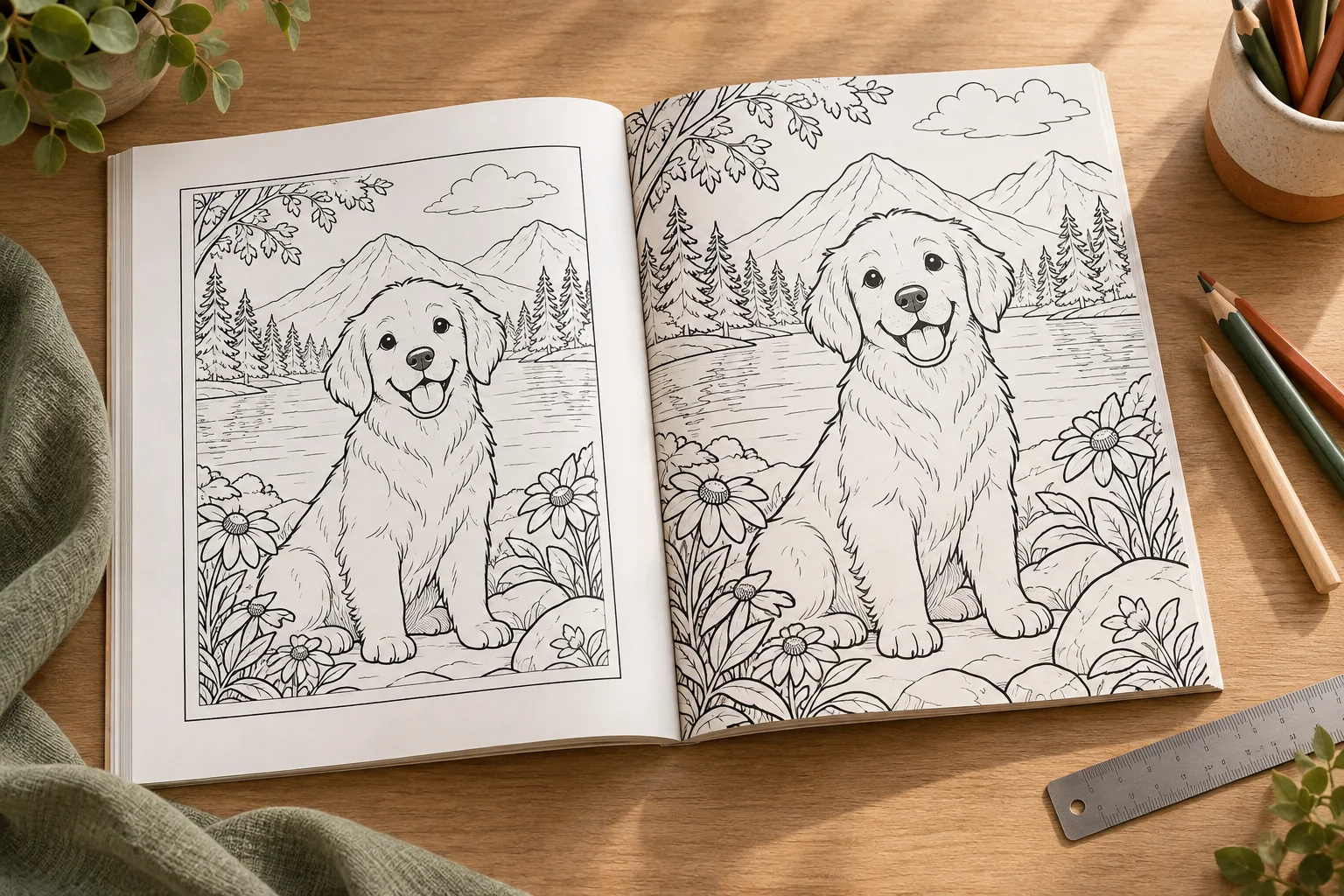
Bleed is one of the most common points of confusion when preparing a paperback for Amazon Kindle Direct Publishing. Many creators select the wrong setting because they assume bleed is always more professional, or because they think every coloring book needs artwork that reaches the edge of the page.
The correct choice depends on the page design. If your coloring page has a deliberate white border, no bleed is usually the simpler and safer option. If the illustration, background, or border must continue all the way to the edge, you need bleed.
This guide compares KDP bleed and no bleed using current KDP specifications, exact page-size examples, margin requirements, and practical coloring-book layouts. The goal is to help you choose the right setting before you create the full interior.
The short answer
Choose no bleed when every page has a white edge or when the artwork sits inside the trim area. Choose bleed when any artwork, background, border, or pattern must print to the edge of the finished page.
| Question | No bleed | Bleed |
|---|---|---|
| Where does the artwork end? | Inside the final trim line | Extends beyond the trim line so it can be cut cleanly |
| Interior PDF size | The same as the trim size | 0.125 inches wider and 0.25 inches taller than the trim size |
| Good fit for coloring books | Framed pages, white backgrounds, centered line art | Full-page illustrations, edge-to-edge backgrounds, or border designs |
| Minimum outside margin | 0.25 inches | 0.375 inches |
| File setup | Simpler | Requires more careful page dimensions and artwork placement |
The setting applies to the interior manuscript. KDP covers are different. KDP requires paperback cover files to include bleed.
What bleed means in KDP printing
Bleed is the extra artwork outside the final trim area. During production, KDP trims 0.125 inches from the top, bottom, and outside edge of a paperback page. Artwork must extend into that extra area if it is meant to reach the edge after trimming.
For example, an 8.5 x 11 inch page uses these interior dimensions:
| Setup | PDF page size |
|---|---|
| No bleed | 8.5 x 11 inches |
| With bleed | 8.625 x 11.25 inches |
The width increases by 0.125 inches. The height increases by 0.25 inches because the additional 0.125 inches is added to both the top and bottom.
For a 6 x 9 inch trim size, the corresponding bleed page is 6.125 x 9.25 inches. The same calculation applies to other trim sizes:
Bleed page width = trim width + 0.125 inches
Bleed page height = trim height + 0.25 inches
These dimensions are for the interior manuscript. Do not apply this formula to the full paperback cover. The cover also includes the back cover, spine, front cover, and the outside bleed. Use the exact cover template generated for the selected trim size, page count, paper, and binding.
KDP states that bleed is supported for fixed-format files such as print-ready PDFs. If you are working with a file format that does not support fixed page dimensions, check the available KDP workflow before designing edge-to-edge pages.
What no bleed means
No bleed means the page is submitted at the final trim size and the artwork stays inside that page. It does not mean that the page can run right up to the edge without a margin. You still need to protect the artwork from trimming and binding.
For a no-bleed 8.5 x 11 inch coloring page:
- The PDF page is 8.5 x 11 inches.
- The outside margin must be at least 0.25 inches.
- The gutter must follow KDP’s page-count requirement.
- Important lines, text, and small details should remain comfortably inside the safe area.
No bleed is a strong fit for black-and-white coloring pages with open white space. A page can still look polished when the artwork is centered inside a border or when the white paper forms part of the design.
Example of a no-bleed coloring page
Imagine a page with a large dinosaur in the middle, a few clouds, and a clear white margin around the scene. The dinosaur’s tail and the clouds stop well before the trim edge. This page does not need bleed. Setting the PDF to the trim size keeps the layout straightforward and preserves the intentional white space.
When a coloring book needs bleed
Use bleed when any part of the interior is designed to reach the final page edge. Typical examples include:
- A full-page illustration with no white border.
- A colored or patterned background that fills the page.
- A decorative frame that touches the edge.
- A large line-art scene that continues beyond the trim line.
- A repeating pattern or texture that should not end with a white strip.
With bleed, the background or artwork must extend into the bleed area. Important content should not be placed there because that extra area can be removed during trimming.
For a children’s coloring book, keep faces, hands, small objects, instructions, and any page number well inside the final trim area. The bleed area is for extending the background, not for placing information that the child needs to see.
Example of a bleed coloring page
Imagine a page filled with a large underwater scene. Seaweed reaches both side edges, fish swim partly beyond the top edge, and the background is intended to cover the entire page. If the artwork stops at 8.5 x 11 inches and you select bleed, the finished page may show a thin white strip after trimming. The artwork should be created on an 8.625 x 11.25 inch canvas and extend through the bleed area.
The research-based decision rule
The official KDP documentation and specialist preflight guidance point to the same practical rule: choose bleed based on the visual edge of the page, not on the book genre.
That means:
- A black-and-white coloring book can use bleed.
- A full-color children’s book can use no bleed.
- A coloring book does not automatically need bleed.
- A white border is a design choice, not a formatting error.
- Bleed is necessary only when the artwork must reach the edge.
The KDP guide to trim size, bleed, and margins is the primary source for the measurements in this article. A useful independent comparison is KDP Preflight’s guide to bleed versus no bleed for coloring books, which reaches the same conclusion for most first-time coloring-book interiors: no bleed reduces technical risk when pages already have intentional white space.
Bleed and margins are different settings
Bleed controls how far the artwork extends beyond the trim edge. Margins control how far important content stays inside the page. They solve different problems.
KDP’s current minimum outside margins are:
| Interior setup | Minimum outside margin |
|---|---|
| No bleed | 0.25 inches |
| With bleed | 0.375 inches |
The inside margin, also called the gutter, depends on page count:
| Page count | Minimum gutter |
|---|---|
| 24 to 150 pages | 0.375 inches |
| 151 to 300 pages | 0.5 inches |
| 301 to 500 pages | 0.625 inches |
| 501 to 700 pages | 0.75 inches |
| 701 to 828 pages | 0.875 inches |
These are minimums. A coloring page may need more space if it contains a large character, thick outlines, or details close to the spine. Children should be able to color without the binding hiding part of the illustration.
Does bleed change the cost of a KDP book?
KDP’s printing-cost guidance says printing costs vary by trim size, page count, ink type, and paper type. Bleed settings and cover finish do not directly affect printing cost. The practical cost difference usually comes from the design and review work required to prepare the file correctly.
Bleed may take more time because you need to:
- create a larger page canvas;
- extend edge artwork beyond the trim line;
- keep important details out of the bleed area;
- check every page for thin white edges; and
- review the result in Print Previewer and, ideally, a physical proof.
No bleed is not automatically cheaper or lower quality. It can be the better production choice when the design intentionally uses white space.
Common KDP bleed mistakes
Selecting bleed but keeping the trim-size canvas
If the file is still 8.5 x 11 inches while the KDP setup expects bleed, the artwork does not have enough extra area to reach beyond the trim line. This can create a white strip or trigger a file warning.
Adding bleed to only a few pages
Do not mix page dimensions inside one interior PDF. If the book needs bleed, prepare the manuscript consistently and set the KDP interior option to match. The free KDP interior checker reads every page of your PDF in the browser, tells you whether the file is set up with or without bleed, and lists any pages that are a different size.
Putting text in the bleed area
The bleed area is not a safe zone. Keep titles, instructions, page numbers, and important character details inside the trim and margin area.
Treating every border as a bleed design
A border that stops inside the page is a no-bleed design. A border that touches the edge must be extended into the bleed area. Very thin borders can also look uneven because trimming has a small production tolerance.
Using the wrong cover measurements
Interior bleed dimensions do not give you the full cover dimensions. A paperback cover also needs the back, spine, front, and outside bleed. The spine depends on page count and paper type, so use the KDP cover calculator or template for the exact book.
A practical workflow for a coloring-book interior
Use this process before creating all the pages:
- Choose the trim size.
- Sketch one representative page.
- Decide whether the artwork intentionally reaches the edge.
- Select no bleed or bleed based on that visual decision.
- Set the page dimensions and margins.
- Export one test page as a PDF.
- Upload the test file to KDP Print Previewer.
- Inspect the preview at the trim edges and near the gutter.
- Order a proof if the edge treatment is important to the design.
- Create the remaining pages using the same file setup.
Testing one page first is faster than discovering after 40 pages that the canvas size, bleed setting, or gutter was wrong. If you generate the pages with the InkChamps KDP coloring book creator, the interior PDF is exported at your trim size with the bleed setting already applied, so the test page and the full book share one setup.
FAQ
Is bleed or no bleed better for a children’s coloring book?
Neither is universally better. No bleed is usually the safer choice when the pages have white borders and the line art sits inside the trim. Bleed is the correct choice when the artwork or background must reach the page edge.
What is the KDP bleed size for an 8.5 x 11 inch coloring book?
The interior PDF should be 8.625 x 11.25 inches when the 8.5 x 11 inch trim size uses bleed. The extra 0.125 inches is added to the width and to both the top and bottom of the page.
Does a black-and-white coloring book need bleed?
Not necessarily. If the black line art is surrounded by intentional white space, no bleed is appropriate. If a black border, background, or illustration reaches the edge, use bleed.
Do I need bleed on every interior page?
The interior should use one consistent page setup. If the book contains pages that need edge-to-edge artwork, prepare the interior as a bleed PDF rather than mixing bleed and no-bleed page sizes.
Does the KDP cover use the same bleed setting as the interior?
No. KDP requires paperback covers to include bleed, even when the interior uses no bleed. Use the official cover calculator or template because the cover also includes the spine and the full wraparound dimensions.
Can Ingram handle the bleed and no-bleed settings for me?
IngramSpark provides templates and book-building tools that can help with trim size, bleed, cover dimensions, and other file settings. You still need to choose the correct book specifications and review the final files before submitting them. The settings for one print platform should not be assumed to match KDP exactly.
Final takeaway
Bleed is not a quality grade. It is a layout decision. Use no bleed for pages that intentionally keep artwork inside a white margin. Use bleed when the artwork must continue past the trim line to create an edge-to-edge finish.
Choose the setting before creating the full book, test one page, and confirm the result in KDP Print Previewer. That small decision can prevent a large amount of rework later.
Sources checked for this guide
Prepare your coloring book for KDP with confidence
Choose the right interior setup, test one page, and review the final file before publishing.
Create a coloring book