
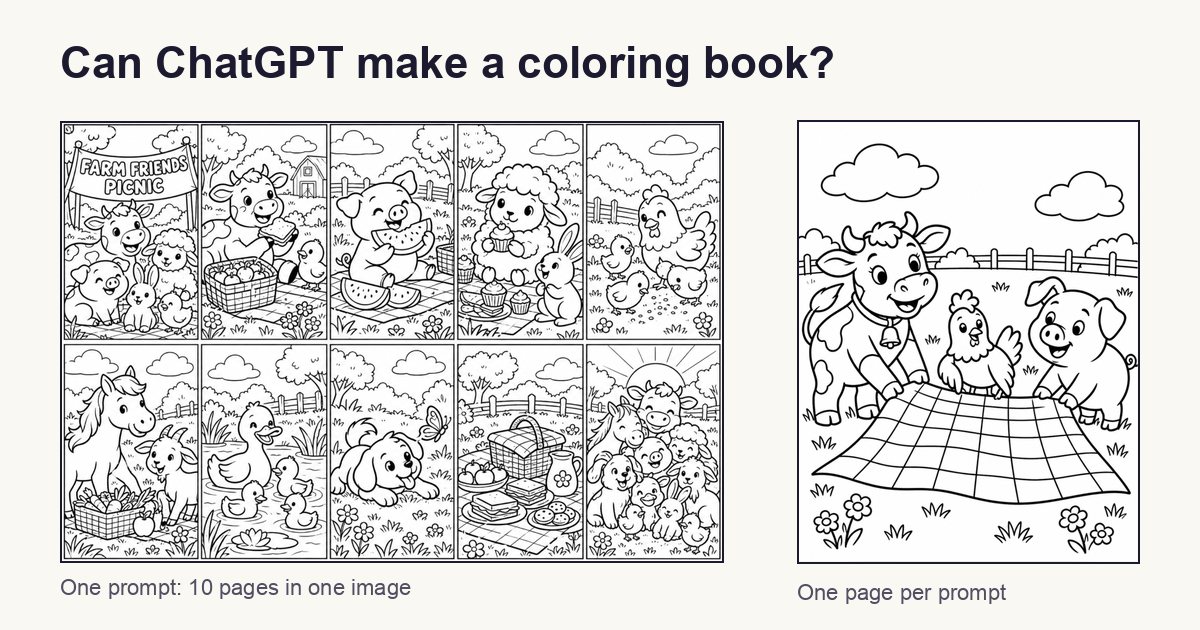
ChatGPT can draw coloring pages, and they look nice. It can't make you a coloring book that's ready for Amazon KDP. To turn its pages into a book you can sell, you do most of the work yourself: one prompt for every page, constant reminders about your characters, fixing the page size, and upscaling every image to 300 DPI with another tool.
We tried it on 9 October 2026, asking ChatGPT for a 10-page farm-animal coloring book for an 8.5 × 11 inch KDP paperback. Here's what it really takes.
1. You have to create every page yourself
ChatGPT can't make a whole book in one go. When we asked for all 10 pages at once, it squeezed them into one single picture:
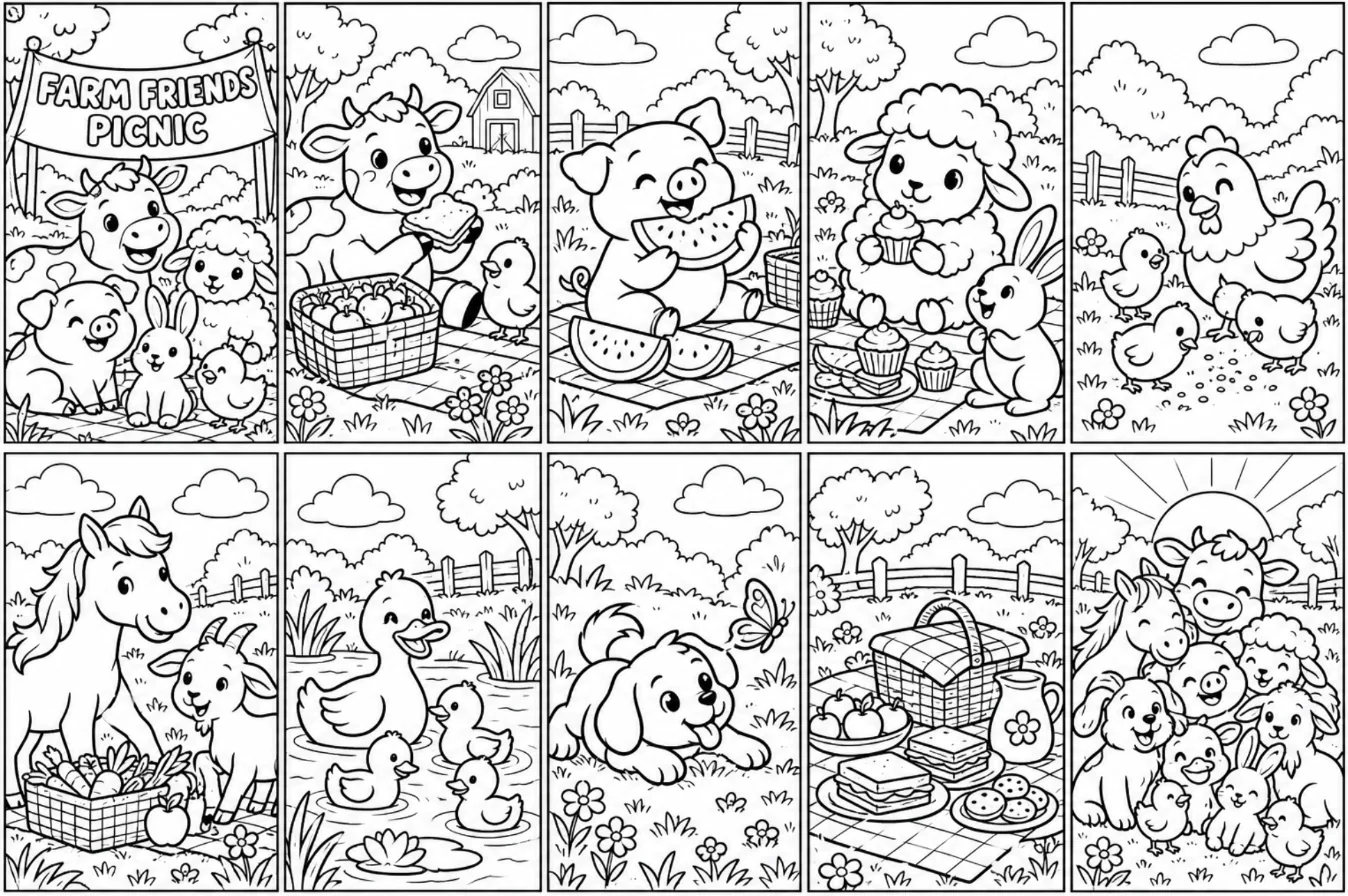
Each of those pages is far too small to print. Stretched to fill a real page, they come out blurry.
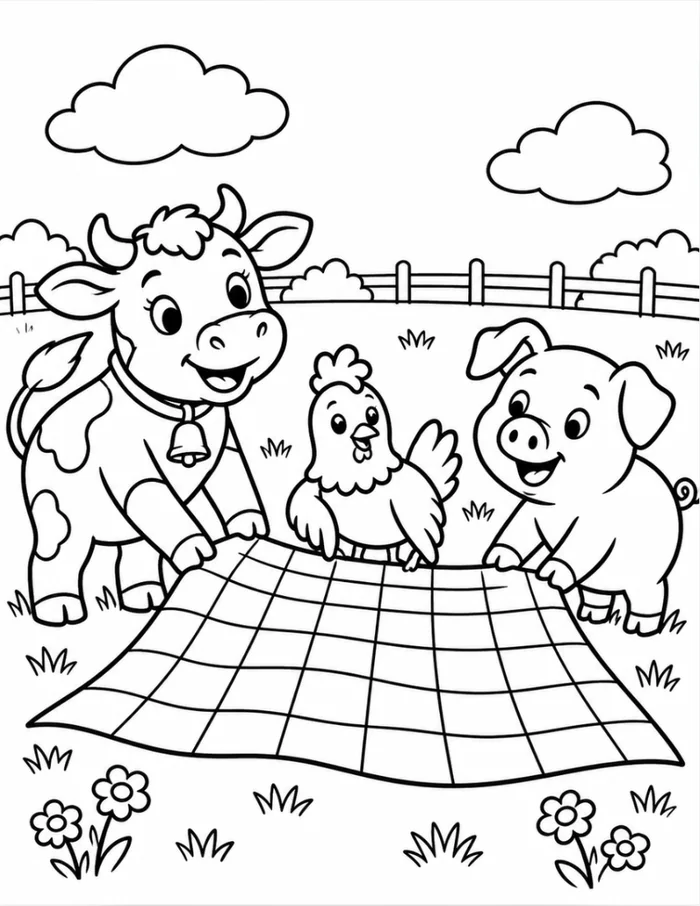
So you end up writing a prompt for every page:
"Draw page 1: a black-and-white coloring page for ages 4 to 6, thick clean outlines, no shading, no gray. A cow, a pig and a hen spreading a picnic blanket in a farm field."
A 10-page book means 10 prompts. A 30-page book means 30 prompts, plus a new one for every page you don't like.
2. You have to keep reminding it of your characters
A coloring book needs the same characters on every page. ChatGPT doesn't keep track of that for you. You have to repeat it in every prompt, for example: "the same cow, pig and hen, same style as page 1."
When we did that in one long chat, it worked well. Same cow, same bell on its collar, same pig and hen:
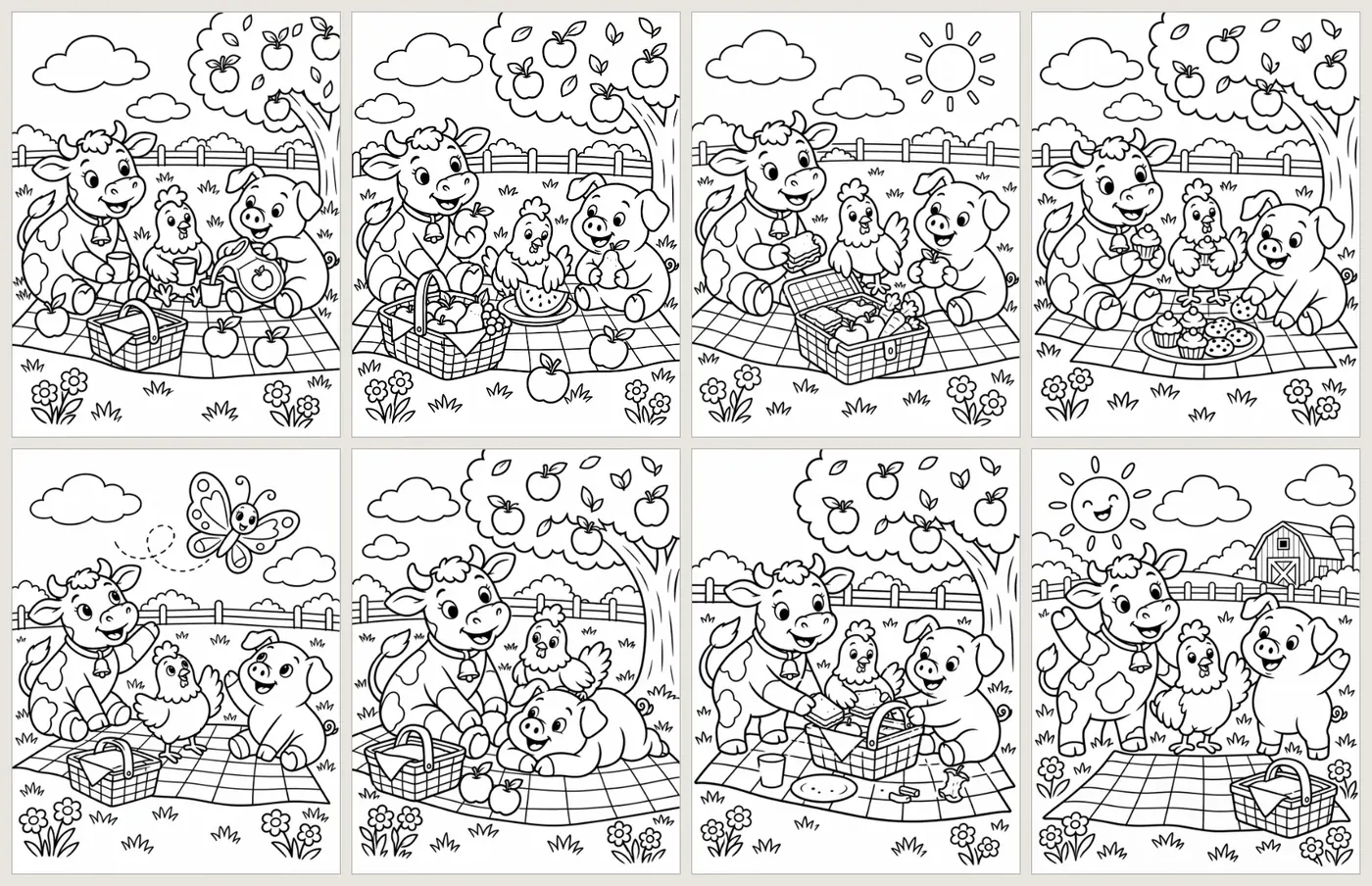
The catch is that it only holds while you stay in that chat and keep reminding it. Start a new chat and ChatGPT won't reliably remember what your characters look like. You'll need to upload an earlier page as a reference and describe them all over again.
3. Getting the right page size is a struggle
Every KDP trim size needs pictures of a specific size. To print sharply at 300 DPI, a full 8.5 × 11 inch page needs a picture of 2550 × 3300 pixels, and other trim sizes need different numbers.
We asked ChatGPT for a page in three popular KDP sizes. Each time we said exactly what we wanted, for example "make the image the right size for an 8.5 × 8.5 inch page at 300 DPI". Here's what came back:
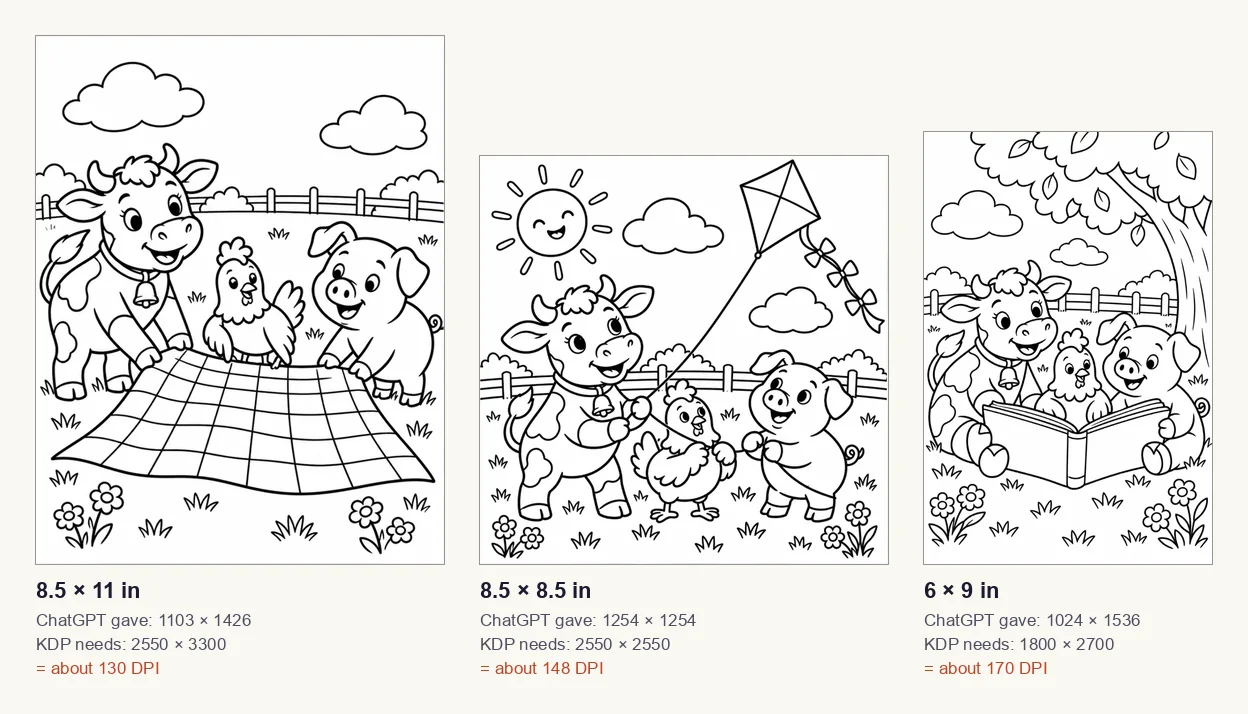
| Book size | ChatGPT gave | Needed for 300 DPI | What you actually get |
|---|---|---|---|
| 8.5 × 11 in | 1103 × 1426 | 2550 × 3300 | about 130 DPI |
| 8.5 × 8.5 in | 1254 × 1254 | 2550 × 2550 | about 148 DPI |
| 6 × 9 in | 1024 × 1536 | 1800 × 2700 | about 170 DPI |
ChatGPT got the shape of each page roughly right, but never the size. Every picture was about half as wide and half as tall as it should be, even though we asked for 300 DPI every time.
If your book has bleed (artwork running to the edge of the page), the page is slightly bigger again, for example 8.625 × 11.25 inches for an 8.5 × 11 book. ChatGPT's pictures don't match that size either, so you have to crop or pad every one.
4. The pages aren't 300 DPI, and ChatGPT can't fix that
KDP asks for 300 DPI. That's what makes lines print crisp instead of soft. As the table shows, ChatGPT's pages land somewhere between 130 and 170 DPI.
We asked ChatGPT to rebuild the book as a 300 DPI PDF. Before starting, it admitted that enlarging the pages "won't create the detail of artwork originally generated at 300 DPI." Then it simply resized each picture, from 1103 × 1426 to 2250 × 2909 pixels:
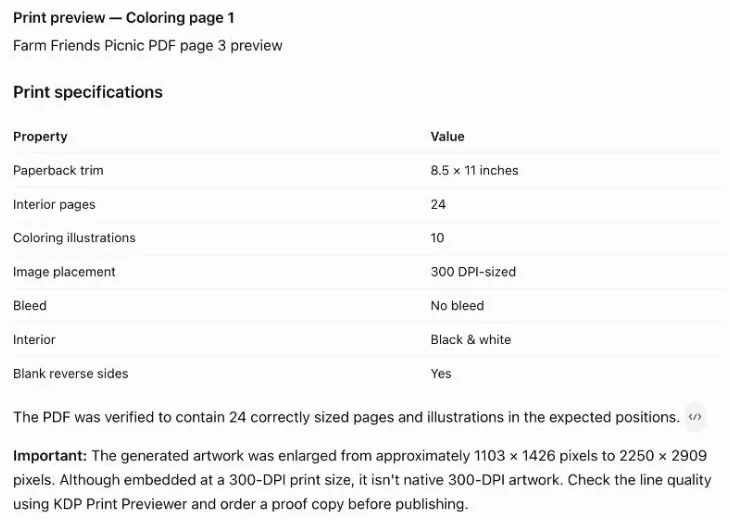
That makes the file say 300 DPI, but it isn't real upscaling. It's the same drawing stretched to twice the size, and no detail is added. Zoom in and the edges are jagged:
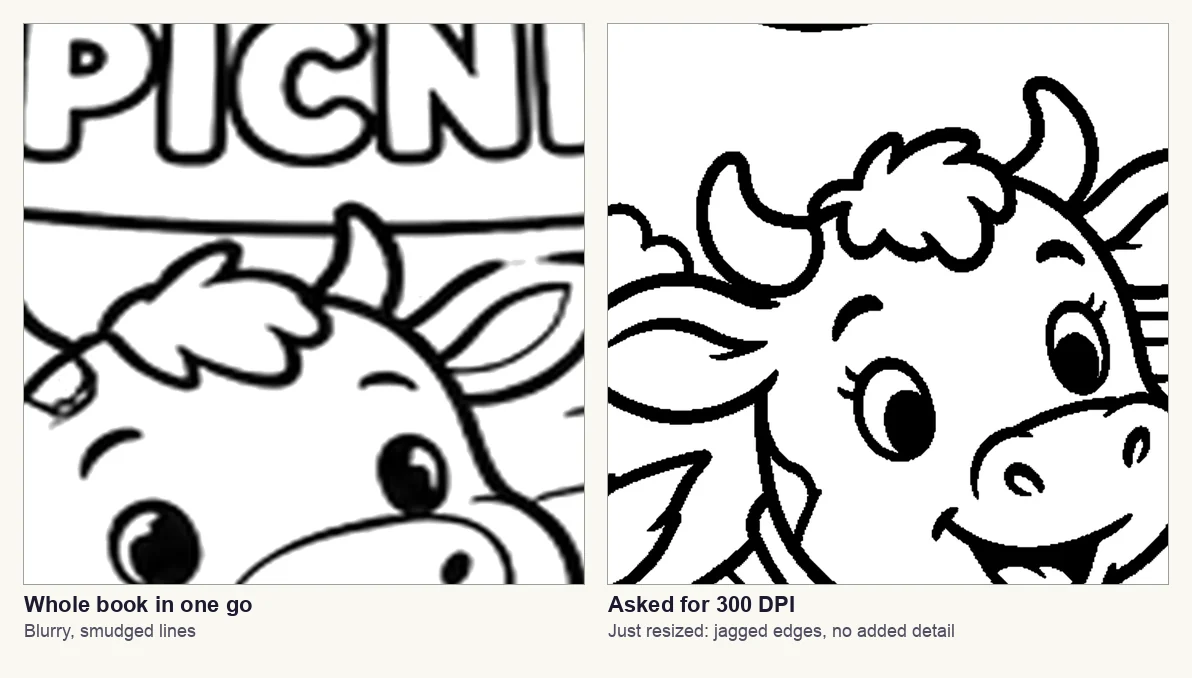
To get real 300 DPI pages, you have to take every page out of ChatGPT and run it through a separate AI upscaling tool, one by one.
5. You still have to build the PDF yourself
ChatGPT's PDF also had a font problem. The text on its title page used a font that wasn't embedded in the file, and KDP asks for all fonts to be embedded. So the PDF isn't ready to upload either.
In practice you put the book together yourself in a design tool such as Canva:
- the right page size for your trim, with or without bleed
- a title page and a "this book belongs to" page
- each picture on its own page, with a blank back so markers don't bleed through
- margins inside KDP's limits
- fonts embedded when you export
Then check the file with our free KDP interior checker and KDP's Print Previewer, and order a printed proof before you sell.
So, is ChatGPT worth it for a coloring book?
| What you're making | ChatGPT? |
|---|---|
| A few pages to print at home | Yes. It's quick and the pages look good. |
| A pack for your classroom | Yes, one page at a time. |
| A book to sell on Amazon KDP | Not on its own. You'd do every step above by hand. |
| A series of books | Very slow. You'd repeat it all for every book. |
Can you sell a coloring book made with ChatGPT?
Yes. OpenAI's terms say you own what ChatGPT creates for you, though other people may get similar images. When you publish, you must tell KDP the images are AI-generated, even if you edited them. Our guide on selling AI-generated coloring books on Amazon explains the rules.
A faster way to make a coloring book for KDP
A dedicated coloring book maker like InkChamps does all five steps for you:
- One description for the whole book. It draws every page to match, with the same characters throughout.
- The right size. Pick 8.5 × 11, 8.5 × 8.5 or 6 × 9, with or without bleed, and every page is sized for it.
- Real 300 DPI. Each page goes through an AI upscaler, so it prints at 300 DPI or more at your trim size.
- One finished PDF. It's ready to upload to KDP, and you can redraw any single page you don't like.
The pages are AI-made too, so you still tell KDP when you publish.
Sources
- Amazon KDP, Paperback Submission Guidelines: 300 DPI images and embedded fonts
- Amazon KDP, Set Trim Size, Bleed, and Margins: page sizes, bleed and margins
- Amazon KDP, Content Guidelines: disclosing AI-generated images
- OpenAI, Terms of Use: who owns ChatGPT's output
- Our test in ChatGPT on 9 October 2026, with the prompts quoted above
ChatGPT changes often, so you may get slightly different results.
Frequently asked questions
- Can ChatGPT make a coloring book?
- It can draw coloring pages, one prompt at a time. It can't make a book that's ready for Amazon KDP. You'd write a prompt for every page, keep reminding it of your characters, fix the page size, upscale every page to 300 DPI with another tool, and build the PDF yourself.
- Can ChatGPT make coloring pages at 300 DPI?
- No. In our test its pages came out at about 130 to 170 DPI, depending on the book size, even when we asked for 300 DPI. When we asked for a 300 DPI PDF, it only resized the pictures, which adds no detail.
- Can ChatGPT make pages for 8.5 × 8.5 or 6 × 9 inch books?
- It gets the shape roughly right but not the size. For an 8.5 × 8.5 page it gave 1254 × 1254 pixels when 2550 × 2550 is needed for 300 DPI. For 6 × 9 it gave 1024 × 1536 when 1800 × 2700 is needed.
- How do I keep characters the same on every page in ChatGPT?
- Describe them the same way in every prompt, for example "the same cow, pig and hen, same style as page 1", and stay in one chat. In a new chat, upload an earlier page as a reference.
- Can I sell a coloring book made with ChatGPT on Amazon?
- Yes, as long as the pages are original and you tell KDP the images are AI-generated when you publish. KDP requires this even if you edited the images afterwards.
Make the whole book from one description
Describe a theme and an age group. Get every page drawn to match, upscaled for 300 DPI print, and put together as one KDP-ready PDF.
Open the coloring book maker