
On Amazon.com, KDP pays a 60% royalty on paperbacks listed at $9.99 or more, and only 50% on paperbacks listed at $9.98 or less. So one cent on the price can change your royalty by about a dollar on every single sale. This is KDP's current rule, and it's on their Paperback Royalty page right now.
Let me show you with a small story.
Sarah and Mike
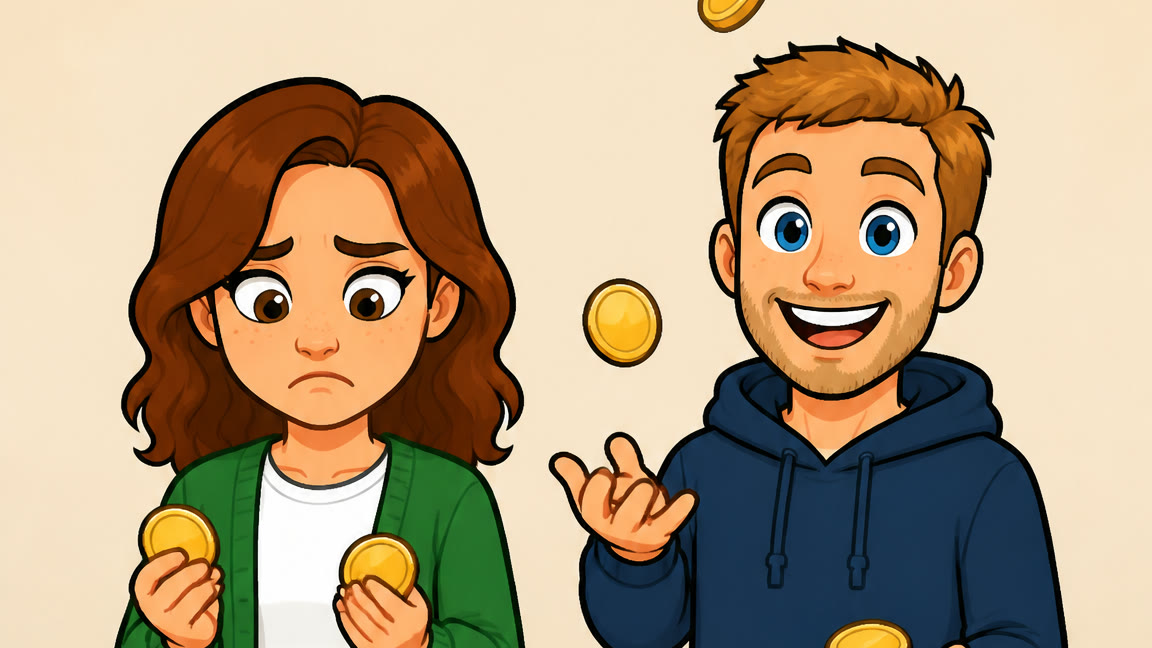
Sarah made a coloring book. She priced it at $9.98, just under ten dollars. It feels smart, right? Buyers like prices under $10.
Her friend Mike made the same kind of book, same size, same page count. He priced it at $9.99.
One cent apart. But Mike earns about $1 more on every sale. Here's why.
How KDP calculates your paperback royalty
KDP uses this formula:
(royalty rate × list price) − printing cost = your royalty
Two things in that formula depend on you:
- The royalty rate. On Amazon.com it's 60% at $9.99 and up, and 50% at $9.98 and below. KDP changed this in June 2025. Before that, most paperbacks got 60%.
- The printing cost. It depends on page count, ink and trim size. Trim size matters because 8.5 x 11, the usual coloring book size, counts as a large trim (anything wider than 6.12 inches or taller than 9 inches).
For a black ink paperback with 24 to 110 pages on Amazon.com, KDP charges a flat $2.84 to print a large trim book and $2.30 for a regular trim book like 6 x 9 (KDP printing cost).
Now let's do Sarah's and Mike's books: 8.5 x 11, black ink, under 110 pages, so printing is $2.84.
| Sarah | Mike | |
|---|---|---|
| List price | $9.98 | $9.99 |
| Royalty rate | 50% | 60% |
| Rate × price | $4.99 | $5.99 |
| Printing | − $2.84 | − $2.84 |
| You keep | $2.15 | $3.15 |
Sell 100 books a month, and that one cent costs Sarah about $100 a month. Over a year, that's about $1,200.
More examples
Same rule, different books. All of these are Amazon.com, black ink.
| Book | $8.99 | $9.98 | $9.99 |
|---|---|---|---|
| 8.5 x 11, up to 110 pages (printing $2.84) | about $1.66 | $2.15 | $3.15 |
| 8.5 x 11, 120 pages (printing $3.04) | about $1.46 | $1.95 | $2.95 |
| 6 x 9, up to 110 pages (printing $2.30) | about $2.20 | $2.69 | $3.69 |
Look at the $8.99 column. A lot of people price at $8.99 to look cheaper than everyone else. But at 50%, a $9.99 book earns almost double per sale. You'd need to sell a lot more books at $8.99 just to earn the same.
The cut-off in every Amazon store
The 50% / 60% split isn't only for the US. Every Amazon store has its own cut-off price, in its own currency:
| Amazon store | 50% at or below | 60% at or above |
|---|---|---|
| Amazon.com (US) | 9.98 USD | 9.99 USD |
| Amazon.de, .fr, .it, .es, .nl, .ie, .com.be | 9.98 EUR | 9.99 EUR |
| Amazon.co.uk | 7.98 GBP | 7.99 GBP |
| Amazon.ca | 13.98 CAD | 13.99 CAD |
| Amazon.com.au | 13.98 AUD | 13.99 AUD |
| Amazon.co.jp | 999 JPY | 1,000 JPY |
| Amazon.pl | 39 PLN | 40 PLN |
| Amazon.se | 109 SEK | 110 SEK |
So if you sell in the UK, £7.99 is your magic number, not £7.98. In Canada and Australia, it's 13.99. KDP lets you set a different price for each store, so check each one when you publish.
One more thing: if you turn on Expanded Distribution (bookstores and libraries outside Amazon), those sales pay 40%, no matter the price.
So what price should you pick?
I won't tell you one magic price, because it depends on your niche and your competition. But here's how I think about it:
- If you were going to price just under $9.99, use $9.99. The buyer won't notice one cent. Your royalty will.
- If your book is cheaper than that on purpose, maybe to compete in a crowded niche, know that you're on the 50% rate. Do the math first.
- If your book has a lot of pages, printing goes up. Check that you still earn something after printing at the price you want.
- Look at the books you compete with. If the top sellers in your niche are at $9.99 or more, you don't need to go lower.
Check your numbers before you publish
You don't need to do this by hand. KDP shows your royalty on the pricing page when you publish, and you can also run your numbers in our free KDP profit calculator. Enter your price and printing cost, and it applies the 50% or 60% rate for you, in US dollars, pounds, euros, Canadian and Australian dollars, or yen.
Then pick your price on purpose, not by feeling. One cent is a small thing. A dollar on every sale is not.
Happy creating!
Sources
- KDP Paperback Royalty: the royalty formula, the 50% and 60% rates and the cut-off price for each Amazon store.
- KDP Paperback Printing Cost: fixed and per-page printing costs by trim size and ink.
- KDP Print Book Pricing: 50% or 60% for standard distribution depending on list price, 40% for Expanded Distribution.
Numbers checked on KDP's help pages on 26 November 2026. KDP can change its rates, so always check the royalty KDP shows you when you publish.
Frequently asked questions
- What is the KDP royalty rate for paperbacks?
- On Amazon.com, KDP pays 60% of the list price for paperbacks priced at $9.99 or more, and 50% for paperbacks priced at $9.98 or less. Then it subtracts the printing cost. Expanded Distribution sales pay 40%.
- Is $9.99 better than $9.98 on KDP?
- Yes. At $9.99 you get the 60% rate, at $9.98 only 50%. For an 8.5 x 11 black ink book up to 110 pages, printing is $2.84, so you keep $3.15 at $9.99 but only $2.15 at $9.98.
- When did KDP change the paperback royalty to 50%?
- KDP introduced the 50% rate for lower-priced print books in June 2025. Books priced at or above the cut-off, such as $9.99 on Amazon.com, still earn 60%.
- What is the 60% royalty price in the UK, Canada and Europe?
- The cut-off is 7.99 GBP on Amazon.co.uk, 13.99 CAD on Amazon.ca, 13.99 AUD on Amazon.com.au, 9.99 EUR on the European stores and 1,000 JPY on Amazon.co.jp. One unit below that, the rate is 50%.
- How much does it cost to print a coloring book on KDP?
- On Amazon.com, a black ink 8.5 x 11 paperback with 24 to 110 pages costs $2.84 to print. Above 110 pages it is $1.00 plus $0.017 per page, so a 120-page book costs $3.04.
Price sorted? Make the book
Describe your idea and InkChamps draws every page, sets the trim size, bleed and margins for KDP, and makes a cover that fits your page count.
Create your book