
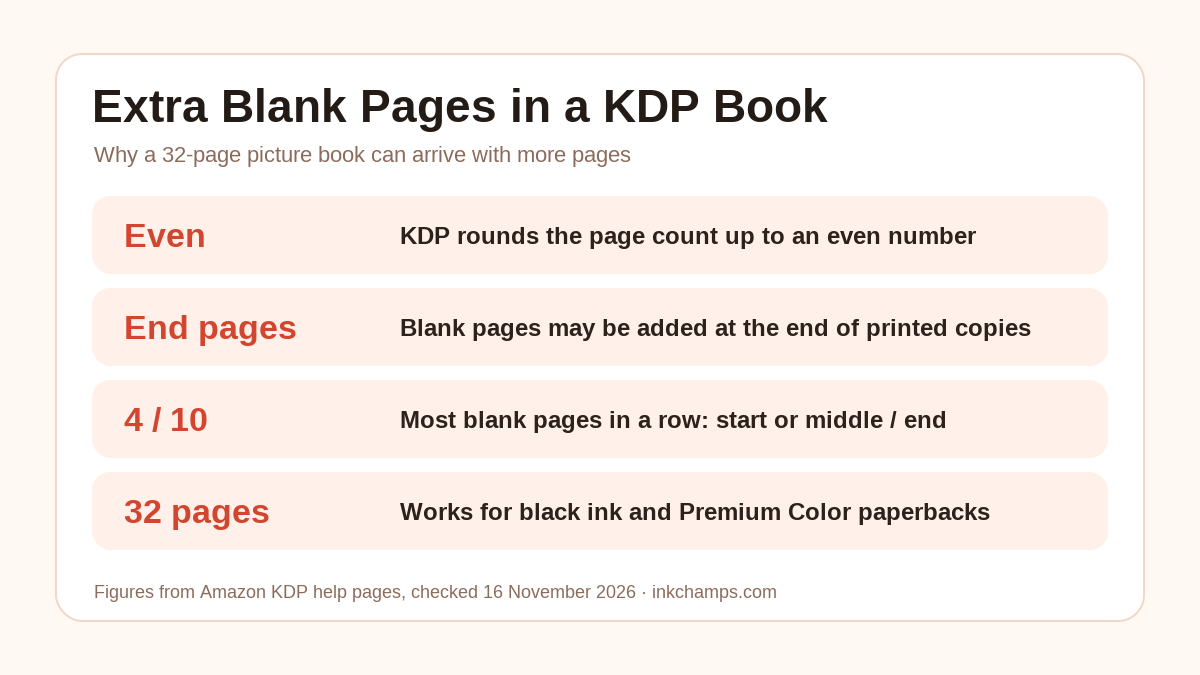
KDP says printed copies may have blank pages placed at the end, and that copies with those blank pages aren't eligible for refunds. It's expected, not a misprint. KDP also rounds your page count up to an even number. So a 32-page picture book can arrive with a page or two more than your file: the story is all there, followed by blank pages. KDP's help pages don't say how many it adds.
"32-page children's book... printed version has 34 pages?" is a typical KDP Community thread. Here is what KDP's rules say, and how to lay out the book so the extra pages don't matter.
What KDP says about page counts
- Blank pages may be added at the end of printed copies, and those copies can't be refunded for it.
- Page counts round up to an even number, because every sheet has two sides.
- The minimum is 24 pages for a paperback in black ink or Premium Color.
- In your own file: no more than 4 blank pages in a row at the beginning or middle, and no more than 10 at the end. "Excessive blank pages" is one of the reasons KDP lists for rejecting a file.
Will 32 pages work?
| Format | Minimum pages | 32 pages? |
|---|---|---|
| Paperback, black ink | 24 | Yes |
| Paperback, Premium Color | 24 | Yes |
| Paperback, Standard Color | 72 | No |
| Hardcover | 75 | No |
Most picture books on KDP are Premium Color paperbacks for exactly this reason. More on the limits in our KDP minimum page count guide.
How to lay out a picture book so extra pages don't matter
- End the story on purpose. Put "The End", an about-the-author page or a final picture on your last page, so blank pages after it look like the back of a book, not a missing page.
- Make your file an even number of pages. Then KDP doesn't have to round it.
- Mind the spreads. In a printed book, page 1 is a right-hand page, so spreads that cross the fold are pages 2–3, 4–5 and so on. If you add or remove a single page near the front, every spread after it lands on the wrong pages. Check the previewer in two-page view.
- Don't pad with blank pages to reach a minimum. More than 4 in a row in the middle, or 10 at the end, can get the file rejected. Add real pages instead: a dedication, a "this book belongs to" page, an activity.
- Check before uploading. Our KDP interior checker counts pages against your format's minimum and flags blank runs over KDP's limits.
Picture books from InkChamps
InkChamps' Two-page picture layout draws each picture across two facing pages and builds the PDF so spreads land on facing pages. Check the page count against your ink type's minimum before you choose a book length.
Sources
From Amazon KDP help pages, checked on 16 November 2026:
- My proof or author copy has printing errors: blank pages may be placed at the end; not refundable
- Paperback Submission Guidelines: even page count, 24-page minimum, excessive blank pages
- Fix Paperback and Hardcover Formatting Issues: 4 blank pages in a row at the start or middle, 10 at the end
- Trim size and page count table: minimums by ink type and binding
KDP updates these pages without notice, so check them before you rely on a figure.
Frequently asked questions
- Why does my KDP book have blank pages at the end?
- KDP says printed copies may have blank pages placed at the end, and that copies with those pages aren't eligible for refunds. It's expected, not a misprint.
- Does KDP need an even number of pages?
- KDP rounds the page count up to an even number, because every sheet has two sides. Making your file even avoids surprises.
- How many blank pages can a KDP book have?
- No more than 4 blank pages in a row at the beginning or middle, and no more than 10 at the end. More can get the file rejected for excessive blank pages.
- Can a KDP picture book be 32 pages?
- Yes, as a black ink or Premium Color paperback, which both have a 24-page minimum. Not as Standard Color (72 pages) or hardcover (75 pages).
Make a picture book with spreads that line up
InkChamps' two-page picture layout draws each picture across facing pages and builds the print PDF at your KDP trim size.
Open the children's book creator